Open-source starter template for a terminal coding harness.
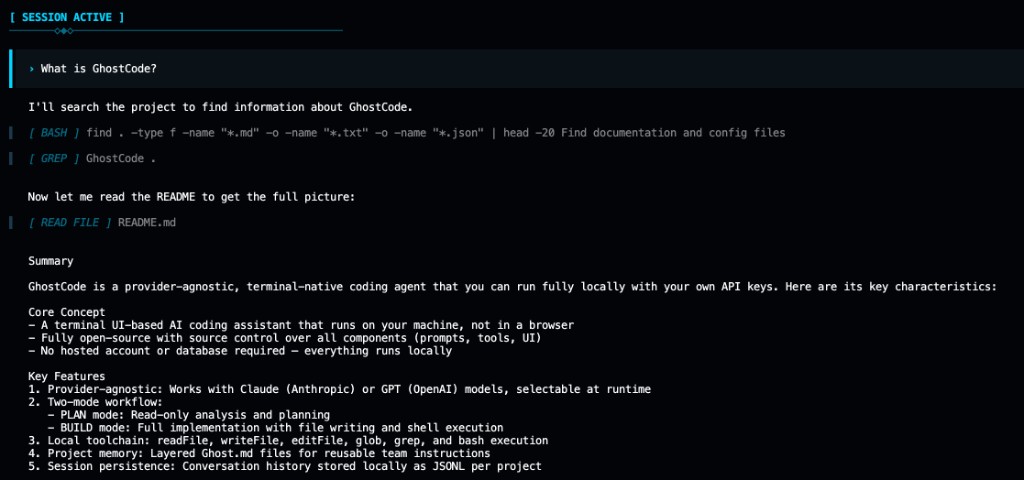
ghostcode-cli is the runtime package: local-first agent loop, PLAN/BUILD modes, and your API keys. Fork the full repo to customize prompts, tools, and UI.
See Build your own harness in the repo root.
ghostcode-cli currently requires Bun at runtime.
Even if you install with npm install -g ghostcode-cli, the ghostcode command needs Bun installed on your machine.
curl -fsSL https://bun.sh/install | bashThen restart your terminal and verify:
bun --versionnpm install -g ghostcode-clior
bun install -g ghostcode-cliFrom your project directory:
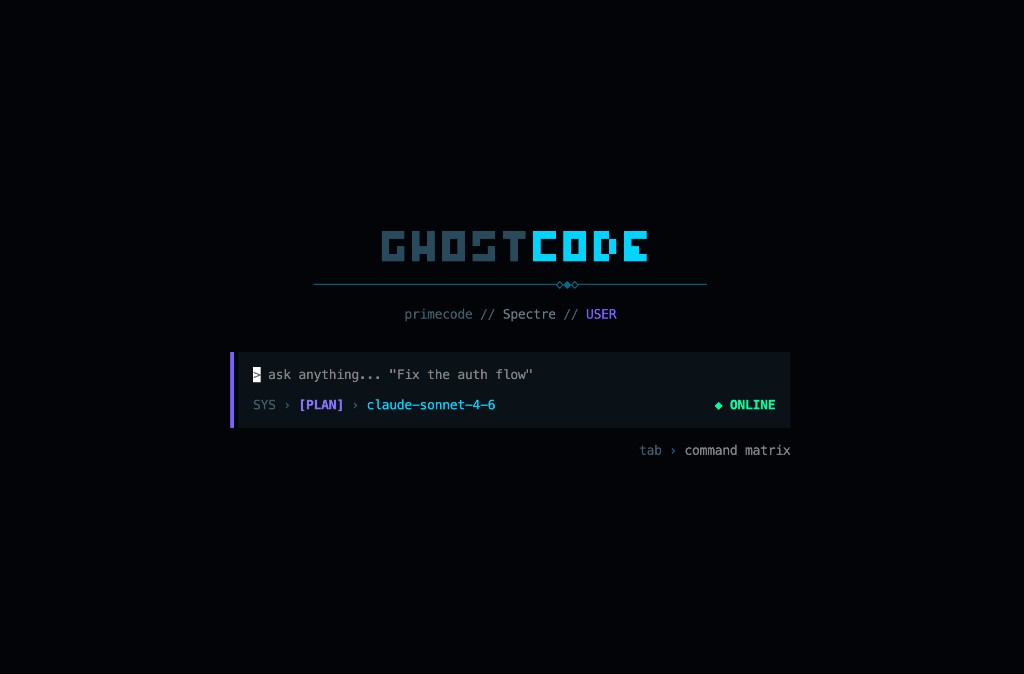
ghostcode# Open the harness TUI
ghostcode
# Set provider keys (one or both)
export ANTHROPIC_API_KEY=sk-ant-...
export OPENAI_API_KEY=sk-proj-...Inside the harness:
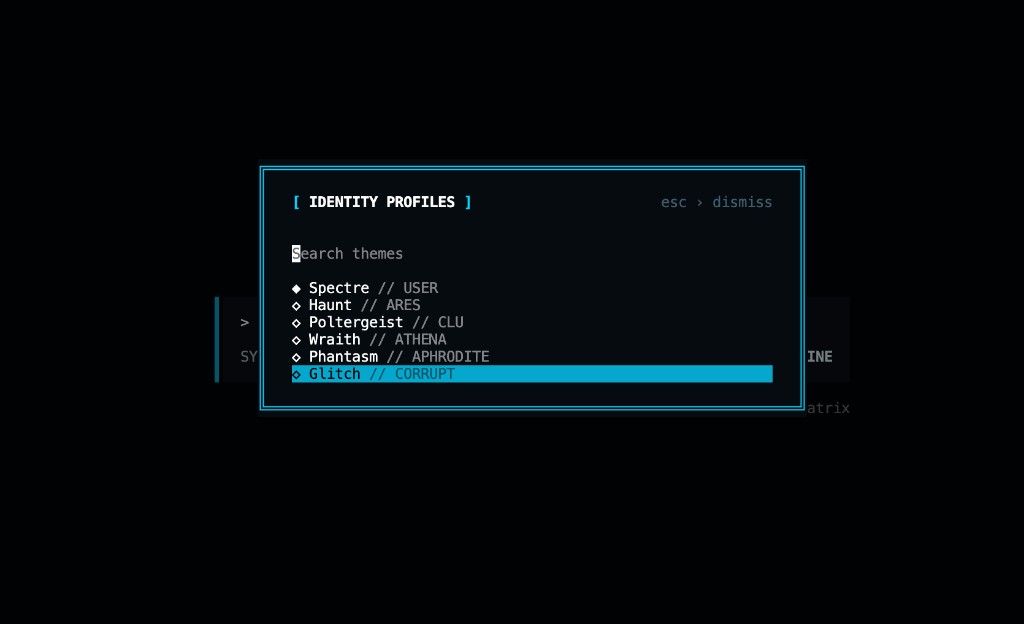
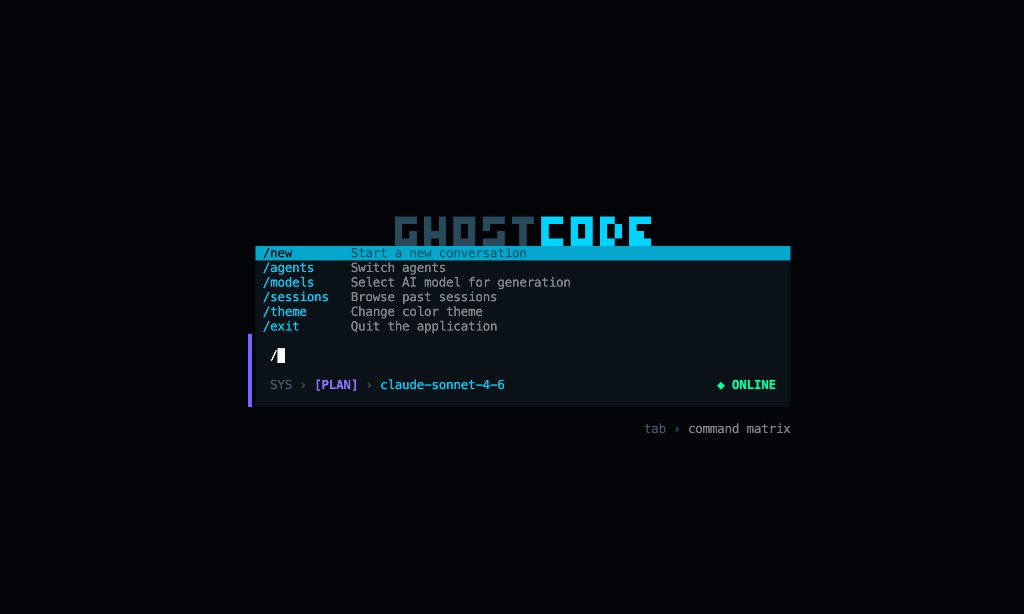
tab— toggle PLAN/BUILD mode/models— switch model/theme— switch UI profile/sessions— resume previous chats
ANTHROPIC_API_KEY— Claude modelsOPENAI_API_KEY— GPT modelsGHOSTCODE_CONFIG_DIR— override default config path (~/.ghostcode)
- Full-screen terminal UI
- PLAN/BUILD modes
- Local file + shell tools
- Session persistence per project
- Project memory via
Ghost.md
For full product docs, architecture, and contributor setup, see the repository root README.md.