Software:
Qr Code for Cypher App:

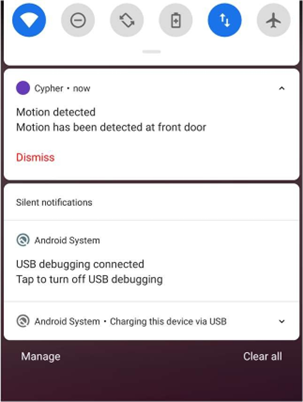
Notification:
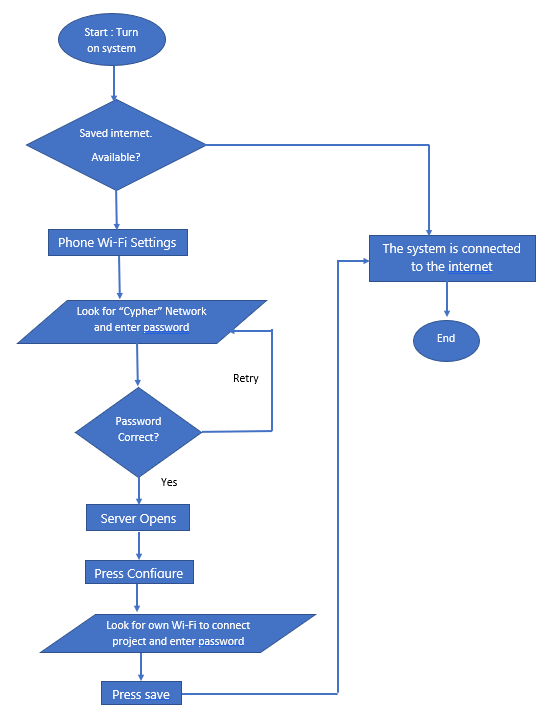
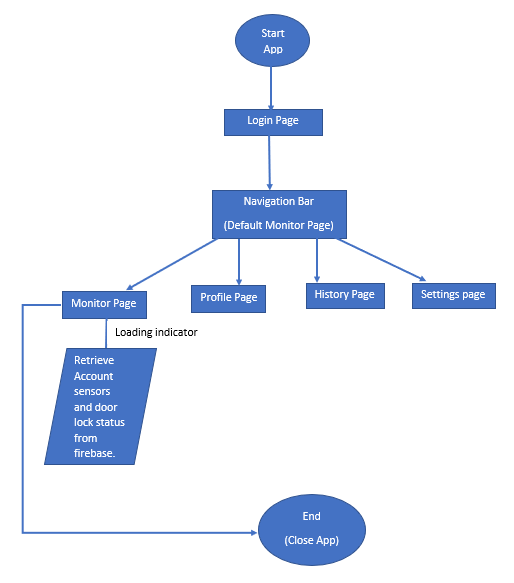
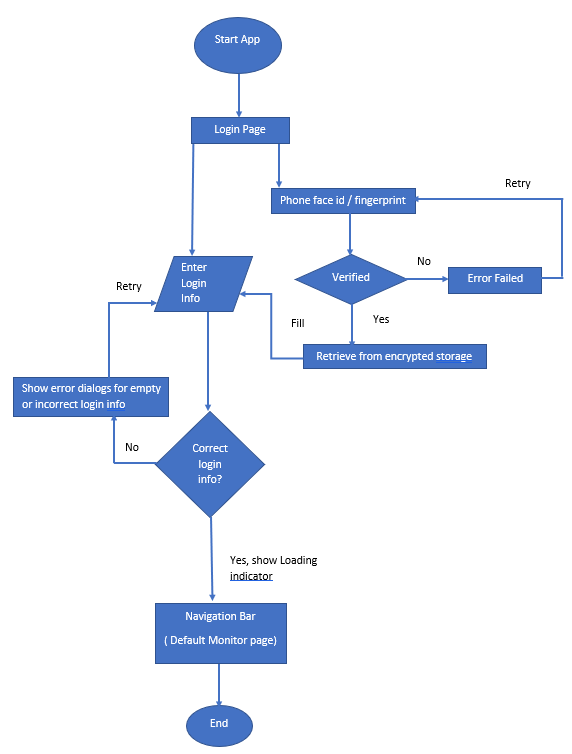
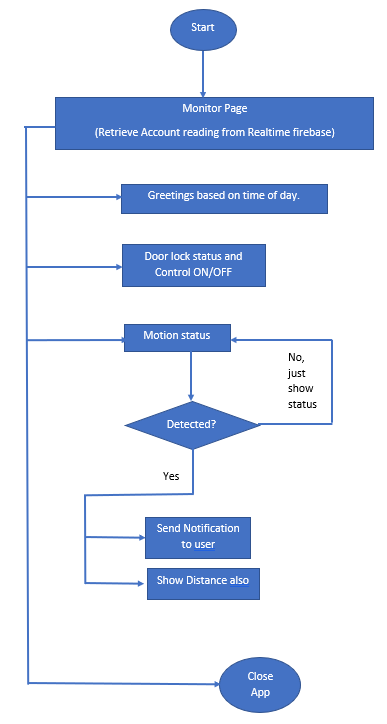
Main flow chart:
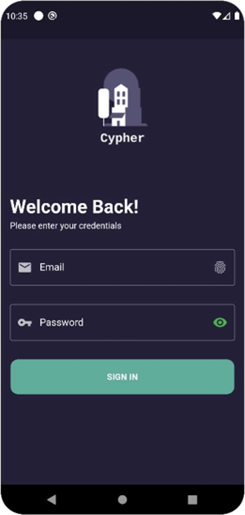
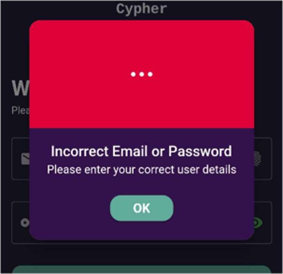
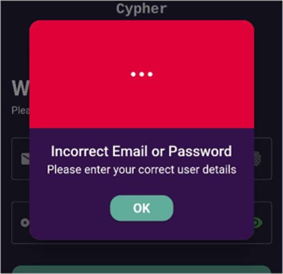
LoginPage:
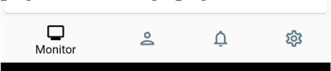
Navigation bar :
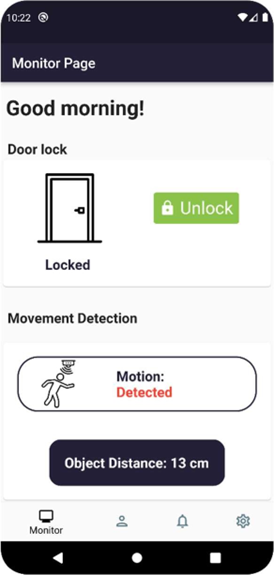
MonitorPage:
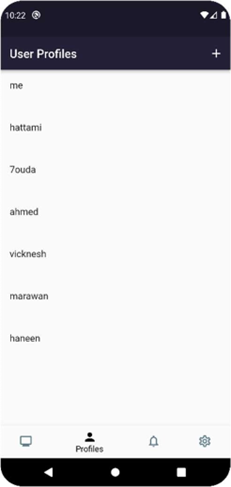
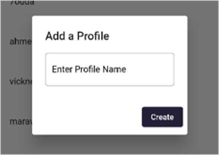
Profiles Page:
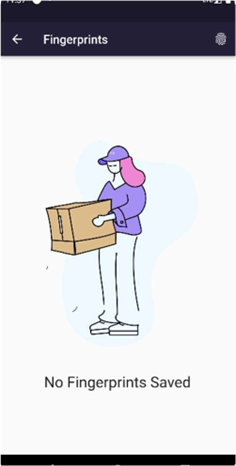
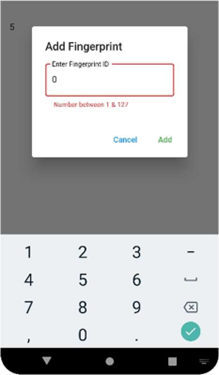
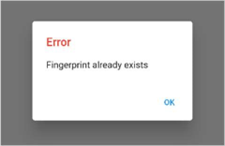
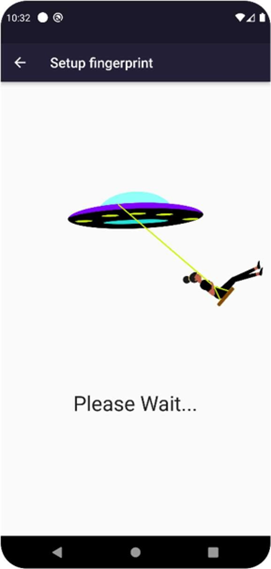
HistoryPage:
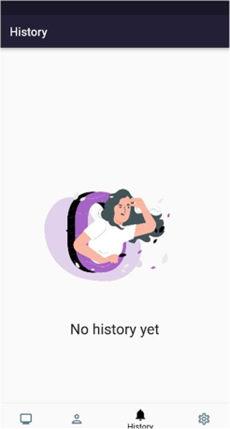
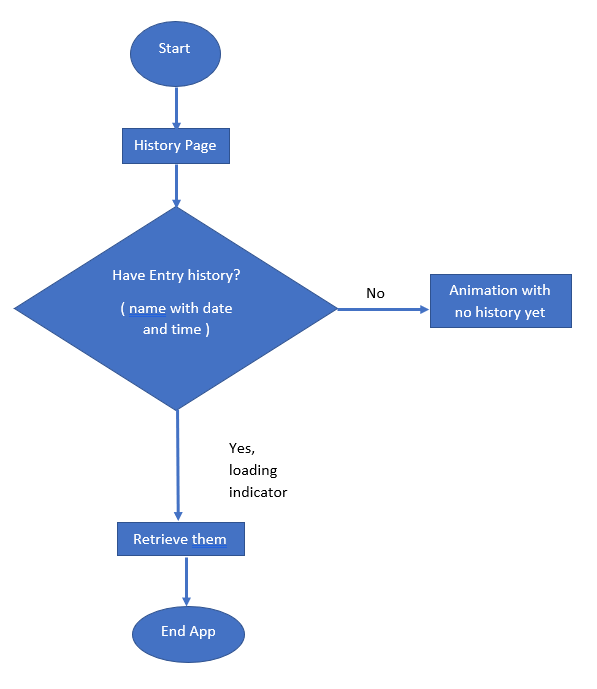
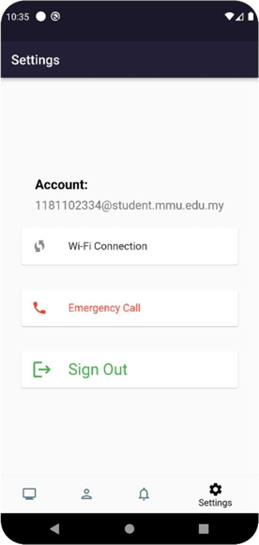
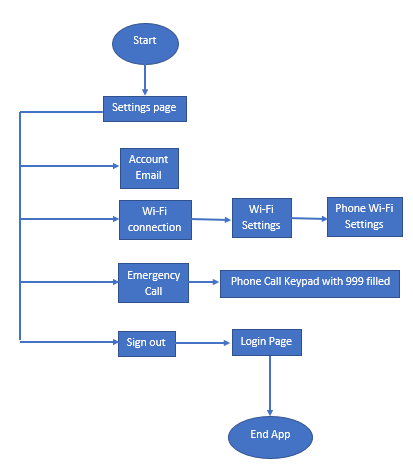
SettingsPage:
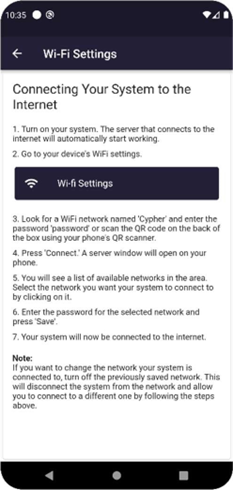
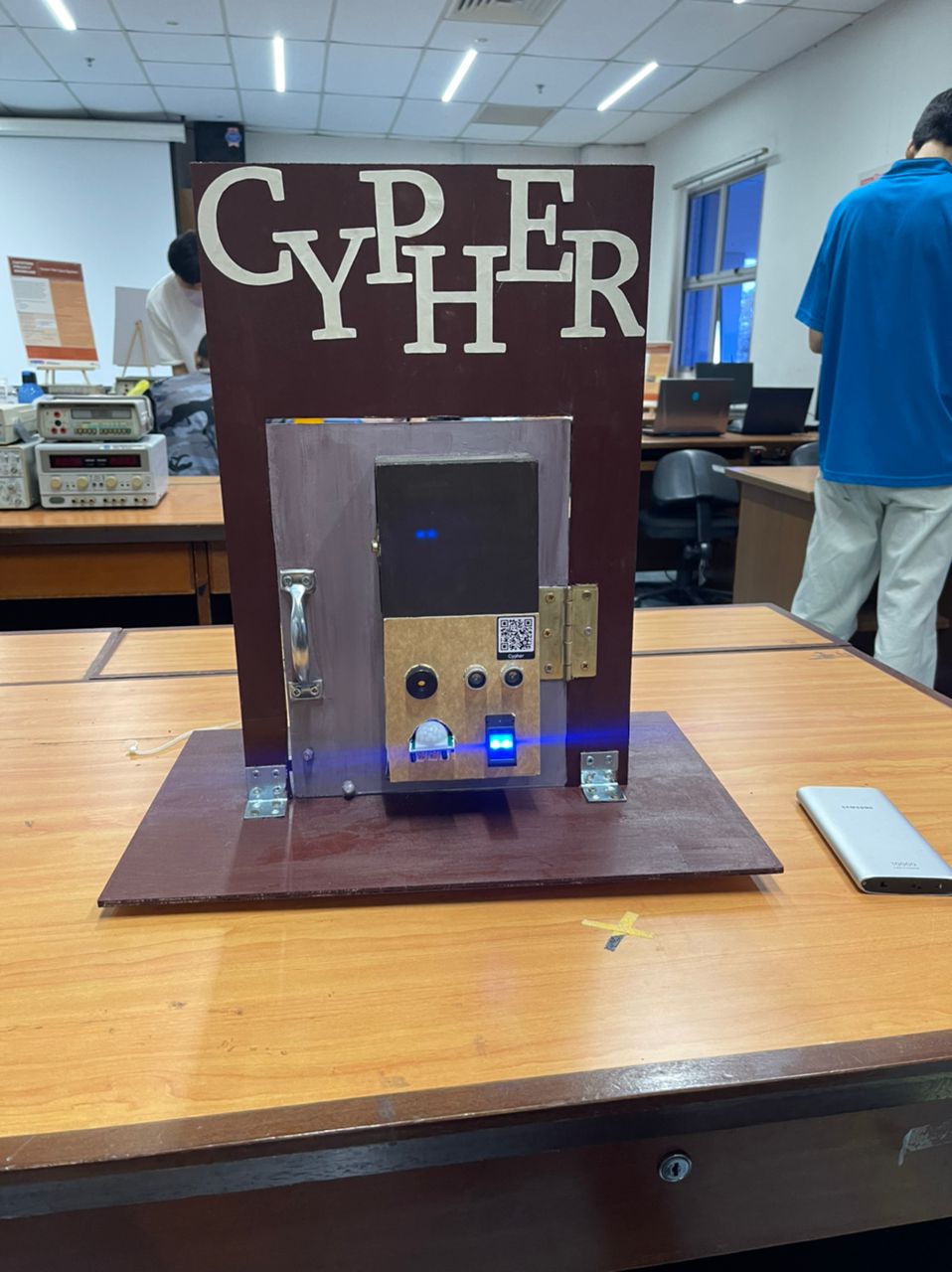
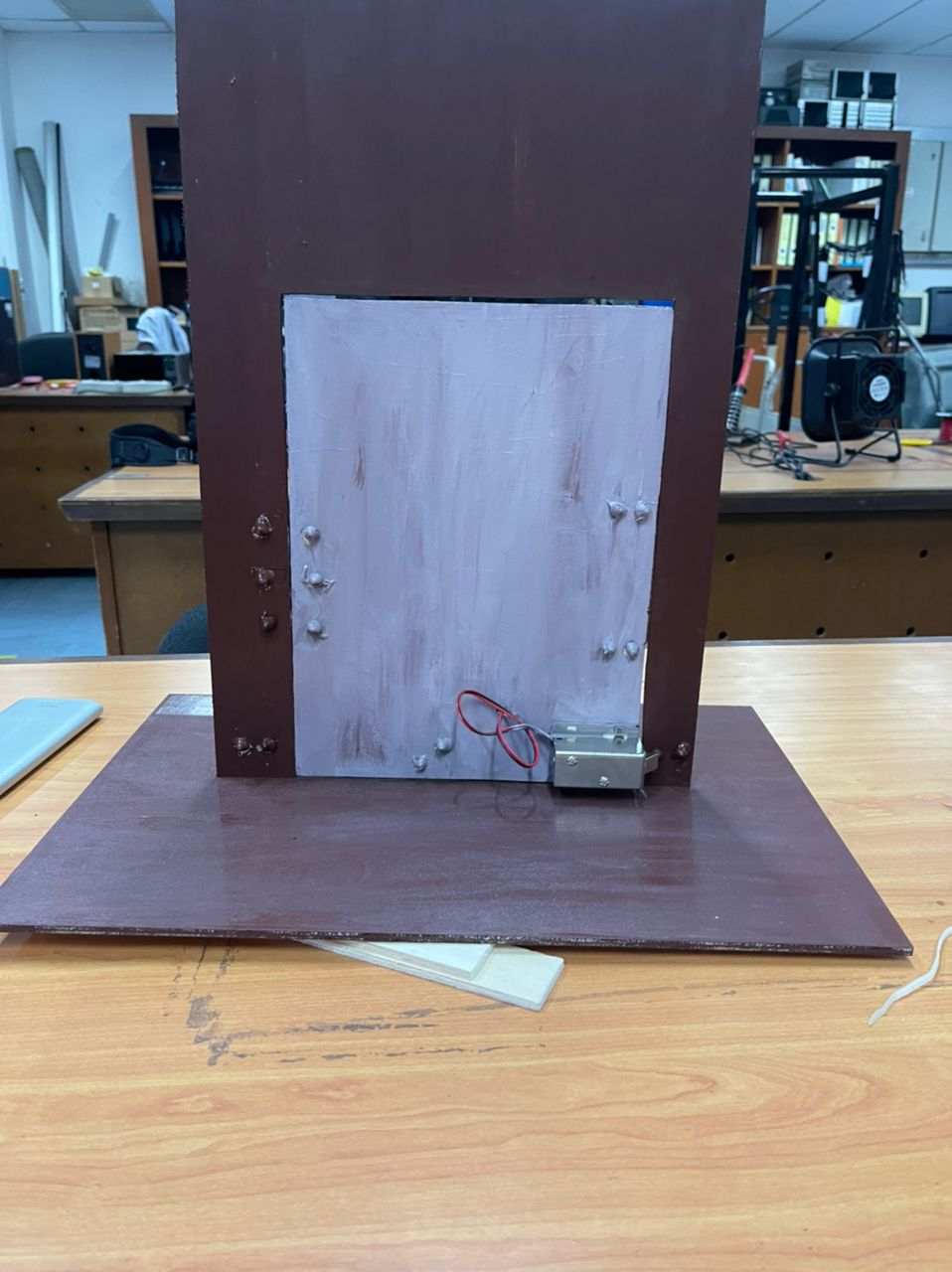
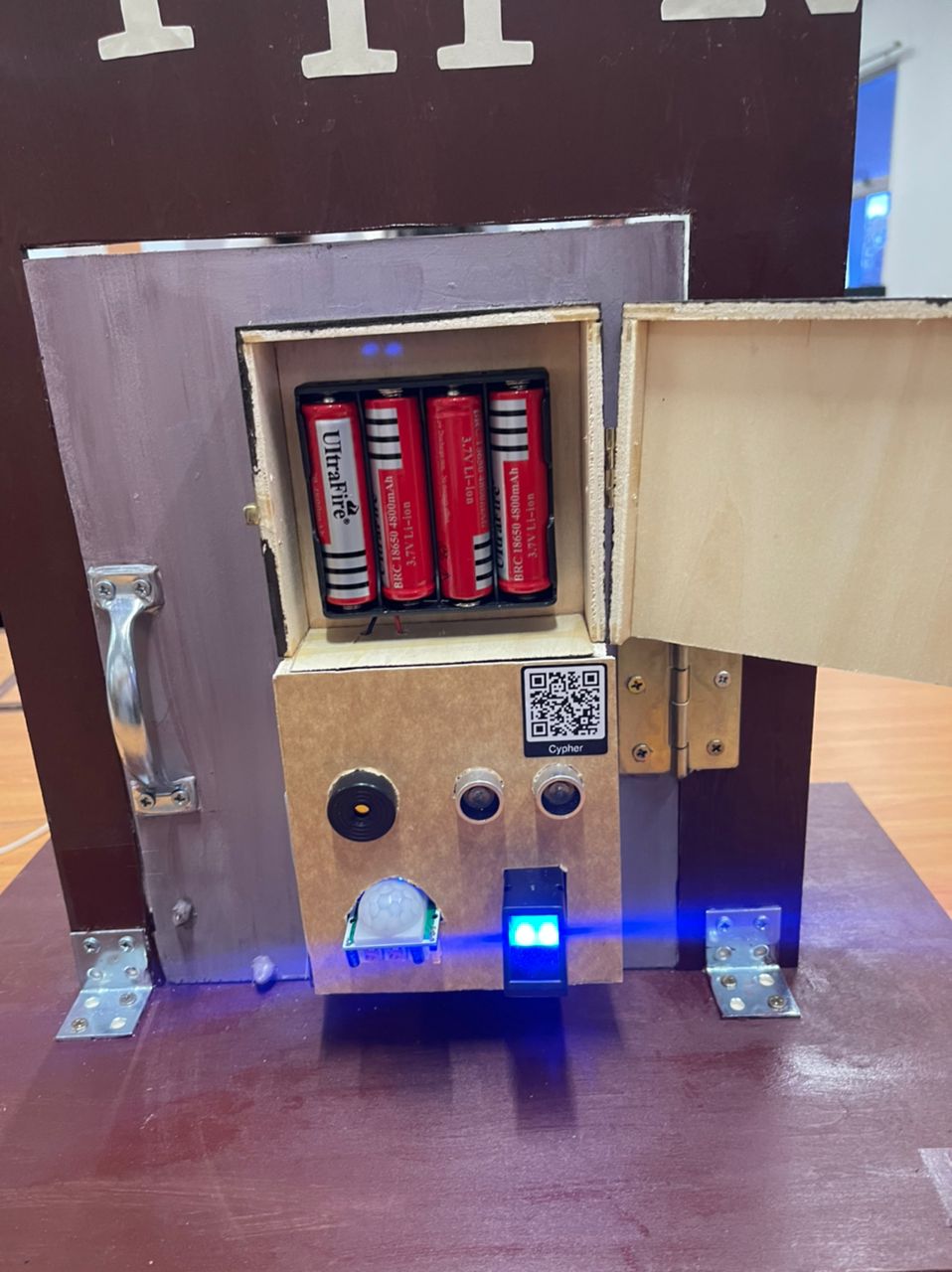
Hardware:
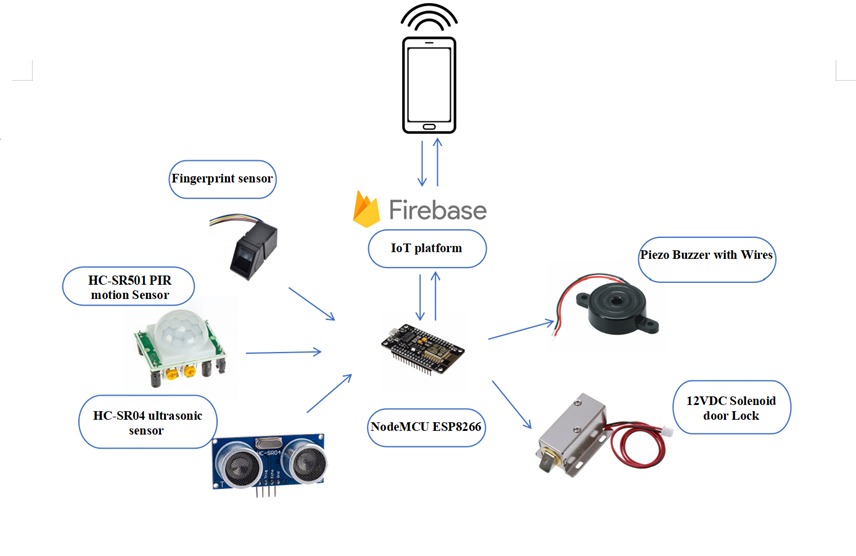
Schametic:
Firebase:
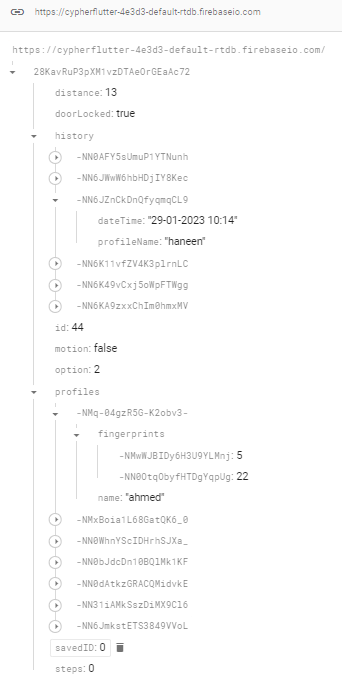
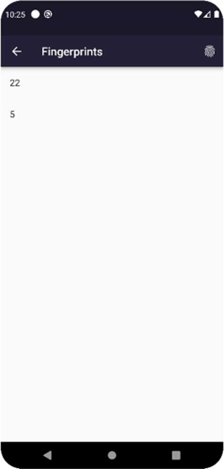
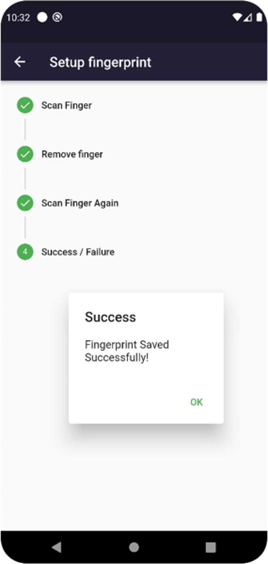
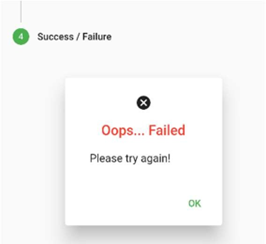
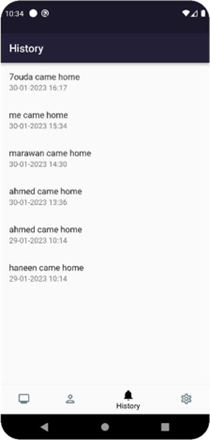
distance: displays the ultrasonic distance (in cm) received from the NodeMCU esp8266. doorLocked: displays the status of the door lock and allows the user to lock and unlock the door from the app. motion: displays the status of motion detection and sends notifications to the user if motion is detected. And makes the distance display also. option: by default, it is set to 2, but when the user wants to add a fingerprint, the app updates this node to 1 to set up a new fingerprint. When the setup is complete, the node is updated back to 2. 1 is for scanning a new fingerprint and 2 is for verifying the fingerprint to open the door lock. Id: the ID that will be sent for the fingerprint sensor when entered to save the fingerprint on it. profiles: consists of all home profiles with a different profile key for each profile. Each profile has a name and a list of fingerprints. Fingerprints under profilekeys: each fingerprint ID is saved under different fingerkeys. When a new fingerprint is added, it is updated in the fingerprints list under that profile and it is also updated in the node ‘Id’ to send it to fingerprint sensor , so it is easier and faster for to identify update. savedID: displays the fingerprint of the user who entered the home. After some time, it is updated back to zero. The app takes the ID and searches for it among all fingerprints under all profiles to find out who came home and returns the profile name and the date and time to ‘history’ node. history: saves a list of data entries for different profiles with the data time when the fingerprint ID is sent to "savedID". steps: for the fingerprint stepper widget, it updates the node with 1, then 2, then 3, then either 4 or 5 to guide the user through the fingerprint setup process. It informs the user if the setup was successful or failed at the end.or the fingerprint stepper widget, it updates node with 1 then 2 then 3 then either 4 or 5 to guide user to setup fingerprint and so at the end tells him if success or failed.
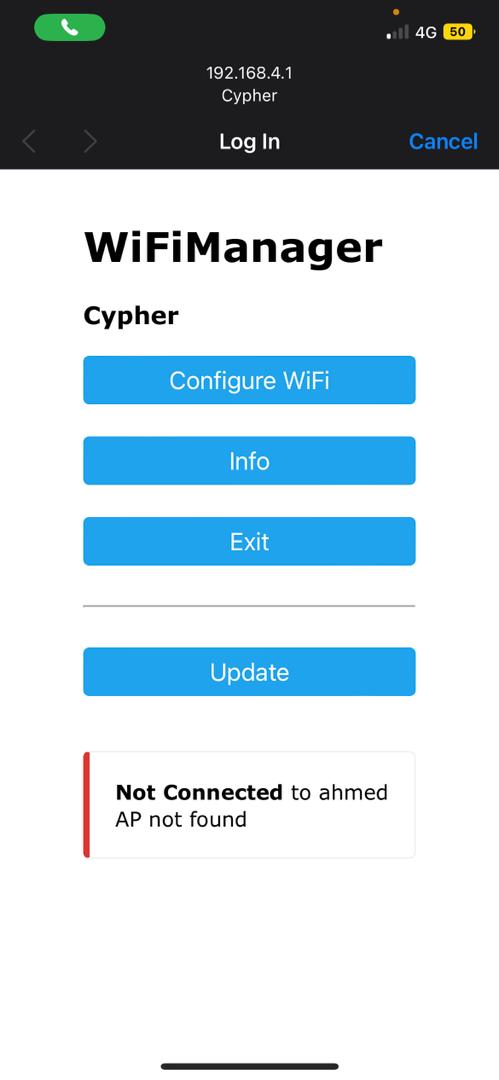
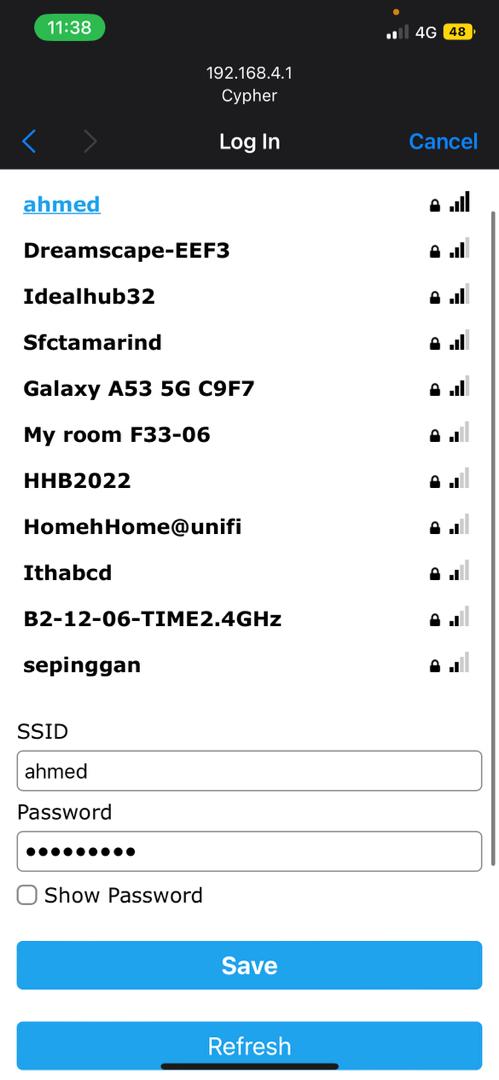
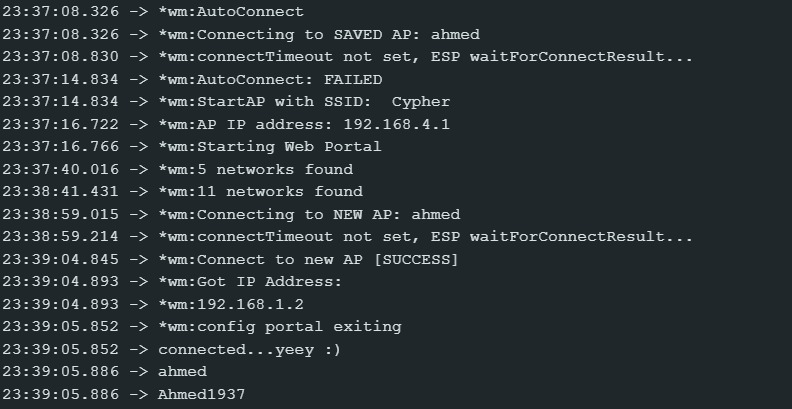
Wifi Server: