Browse, search, and revisit your AI coding sessions. Never lose track of that clever solution your AI pair programmer came up with three weeks ago.
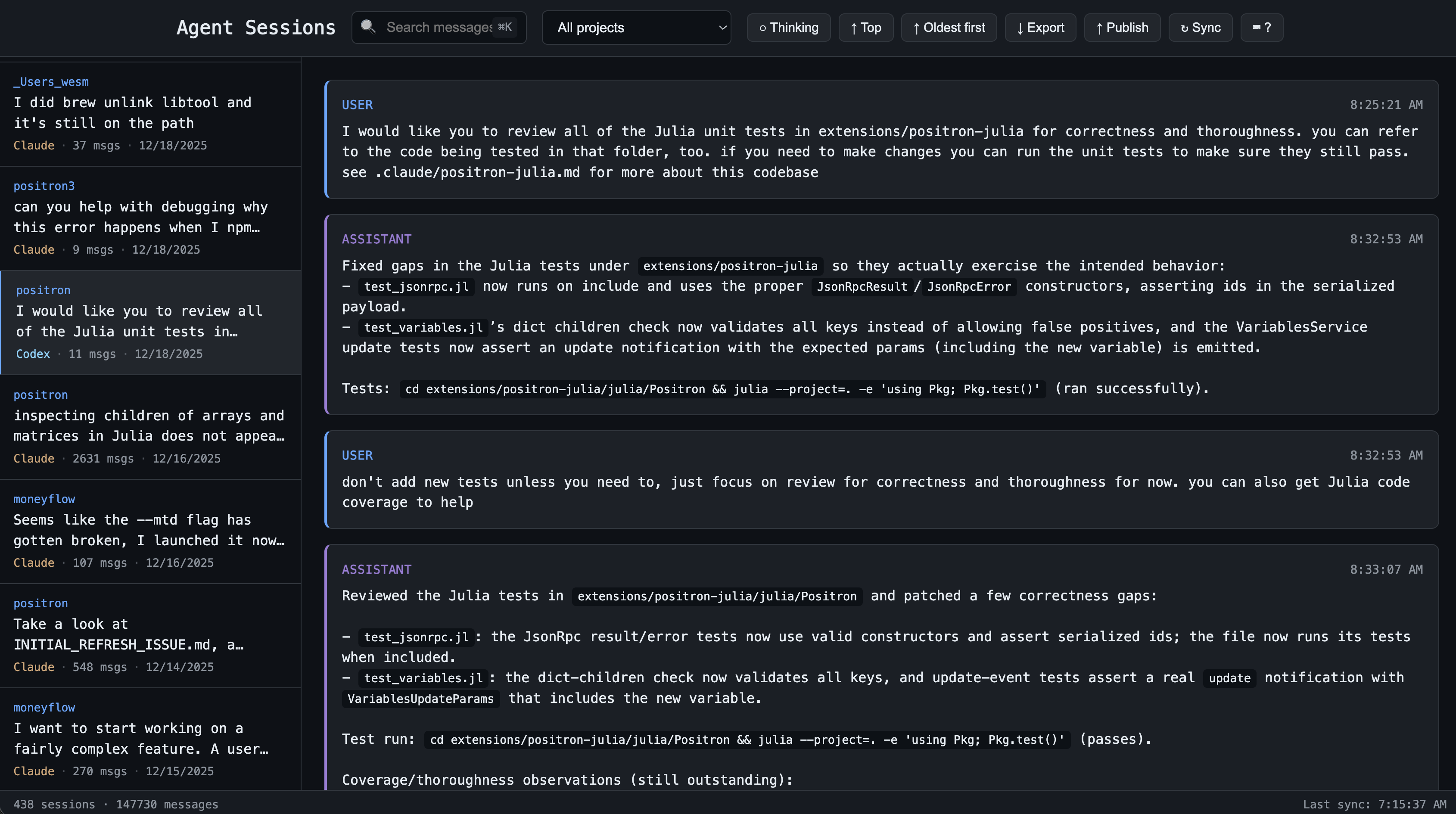
AI coding sessions pile up fast. Finding that one conversation where you solved a tricky bug or implemented a specific pattern means digging through session files by hand. This tool gives you instant full-text search across every session from Claude Code and Codex, organized by project.
- Full-text search - Find any message across all your sessions instantly
- Live updates - Active sessions refresh automatically as new messages arrive
- Auto-sync - Background sync every 15 minutes, plus manual sync with
r - Keyboard-first - Vim-style navigation (j/k/[/]) for fast browsing
- Project organization - Sessions grouped by codebase
- Local-first - All data stays on your machine in
~/.agent-session-viewer/ - Zero config - Works out of the box
# With uv (recommended)
uv tool install agent-session-viewer

# With pip
pip install agent-session-viewer# If installed via uv tool install or pip
agent-session-viewer
# Or run directly without installing
uvx agent-session-viewerOpens a browser at http://localhost:8080.
Options:
--port 9000- Use a custom port--no-browser- Don't open browser automatically--host 0.0.0.0- Bind to all interfaces
| Key | Action |
|---|---|
j / k |
Next / previous message |
] / [ |
Next / previous session |
o |
Toggle message order |
r |
Sync sessions |
⌘K |
Focus search |
? |
Show all shortcuts |
- Claude Code - syncs from
~/.claude/projects/ - Codex - syncs from
~/.codex/sessions/
The viewer syncs sessions from each agent's local storage into its own database with full-text search indexing. When you're viewing an active session, it watches the source file and updates the UI within seconds of new messages.
Inspired by claude-history-tool by Andy Fischer and claude-code-transcripts by Simon Willison.
MIT